

Your AI is not forgetting you on purpose. It just never had anywhere to keep you.
Think about the last time you opened a fresh chat. You explained who you are. What your business does. How you like things written. The decision you made last week, and why. Then the conversation got good, really good... and the next time you opened a new chat, you did it all again. Over, and over... and over.
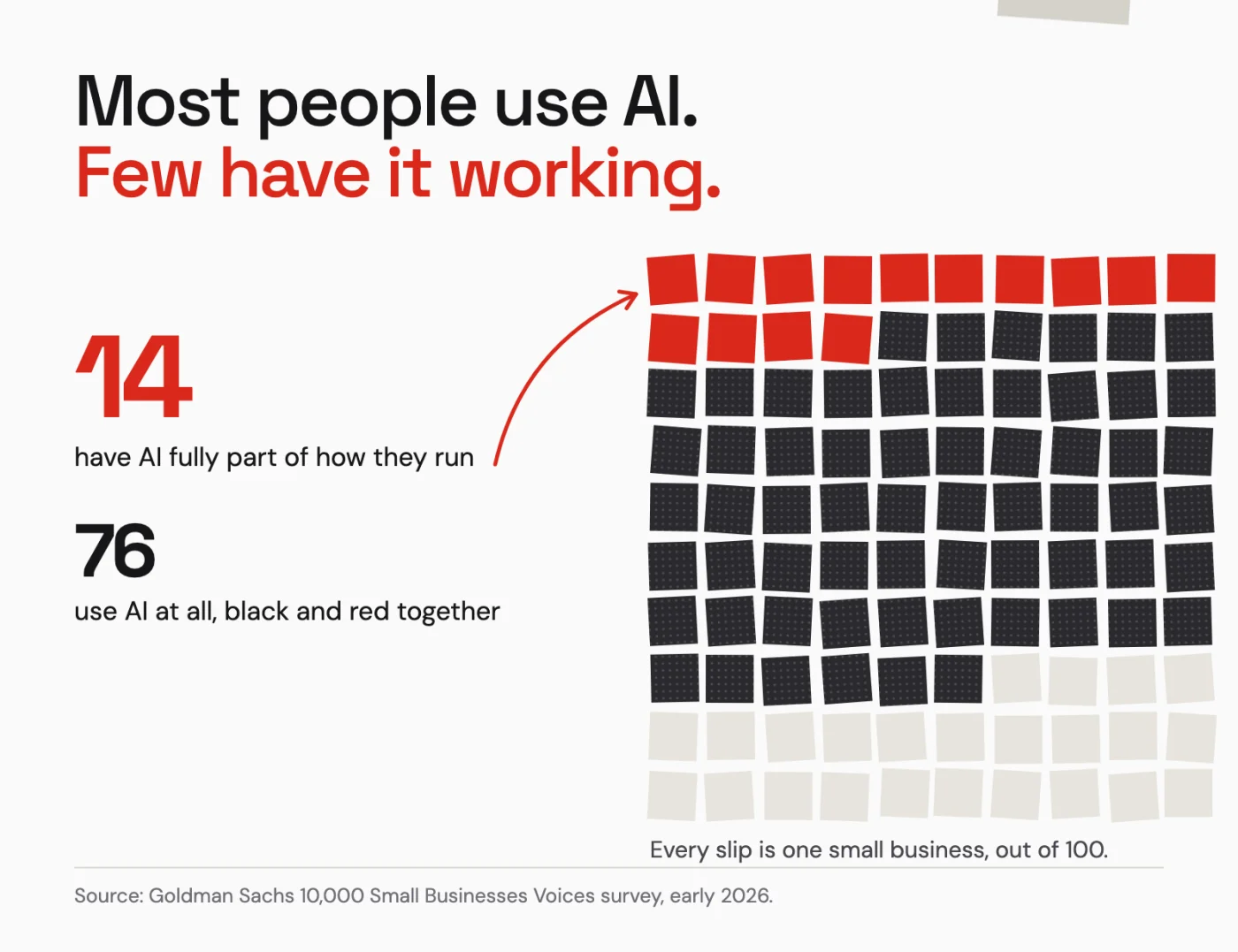
Most people use AI. Few have it working. In one large survey of small businesses this year, 76% said they use AI, and only 14% said it is fully part of how they run. I don't think the other 62% are doing anything wrong. I think most of us are stuck in the same loop I was stuck in for a long time.
If you run a small business, an agency or a creative practice, and you use AI every day but still feel like you're training a new hire every time you start, this one is for you.
The problem isn't intelligence#
Keep in mind what a chat actually is. It is a conversation, and conversations are designed to end. It was never meant to be the place where your business lives.
Some tools now offer to remember things about you, and that helps... inside that one tool. Nate B Jones put it better than I can in a video I keep going back to: built-in memory is "five separate piles of sticky notes on five separate desks." Switch tools, or let a newer model take over, and your context stays behind on the old desk.
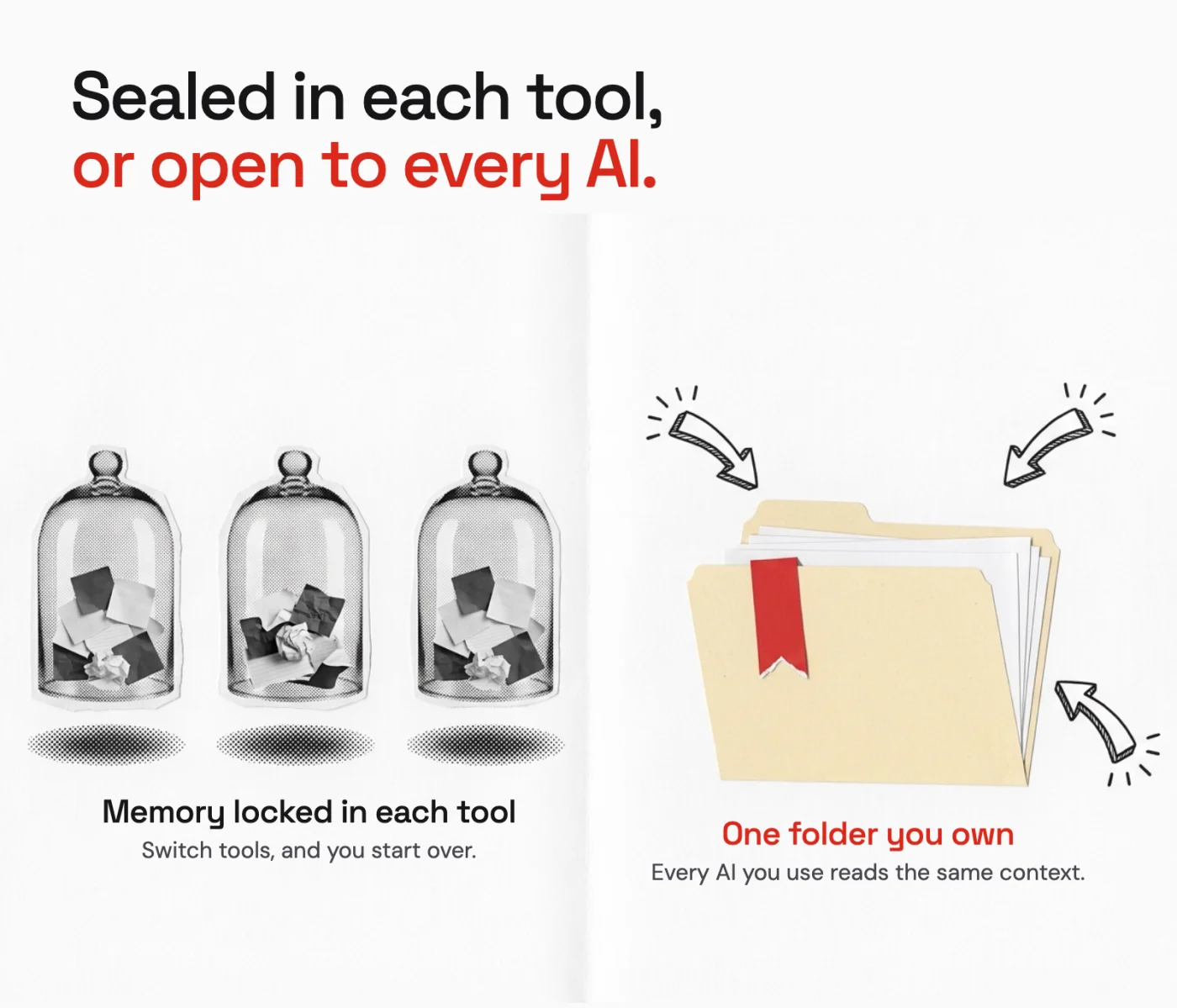
So here is the reframe I want you to leave with. Your AI doesn't have an intelligence problem. It has a storage problem, and you've been paying for it with your time.
What forgetting looks like up close#
Here is a recent one, and it happened to me with everything already set up.
I was working with an AI agent in one long session, the kind where you keep going because the work is flowing. Partway through, the conversation got so long that the tool quietly summarized the earlier part to make room. No warning. My agent kept the general rules, but it lost the details of which project it was standing in.
Then I asked it for something that belonged to a different project. It simply did it, and neither of us noticed for a while. I thought I was talking to one agent, and the agent had wandered into another room.
Here is the part that matters: nothing was lost. Every decision lived in files, not in the conversation, so once we spotted it, a fresh look at those files put everything back where it belonged. We even wrote up the gaps so the next agent catches it sooner.
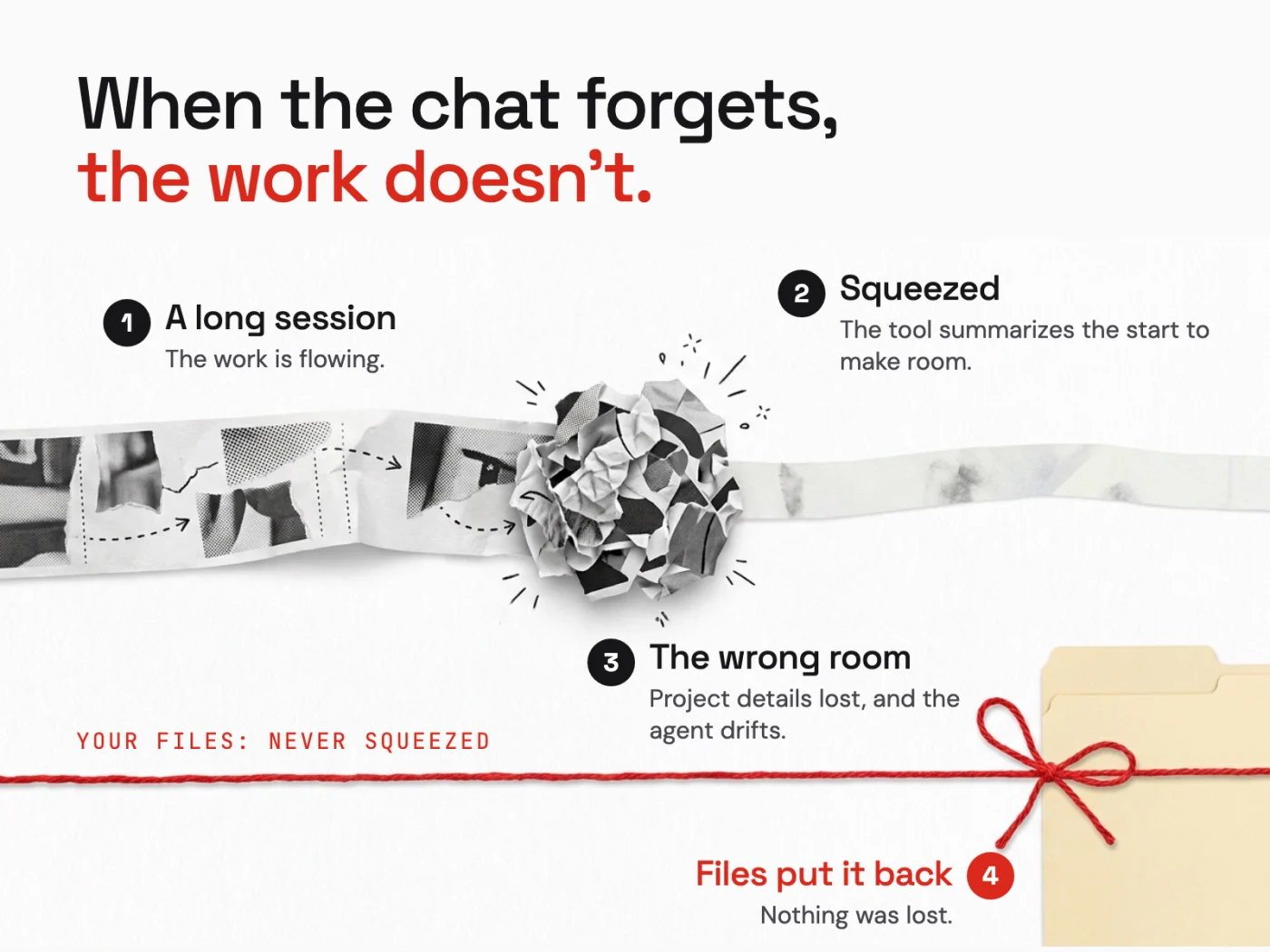
That is the difference in one story. When the chat forgets, and it will, the work doesn't have to.
Before I worked this way, I did what most of us do. I wrote longer prompts. I kept a prompt library (it turned into a junk drawer). Those tricks worked. None of them lasted.
The fix is a folder#
The thing that finally worked was embarrassingly ordinary. I started keeping plain text files in folders on my own computer, organized by project, and pointing every AI at them before it started working.
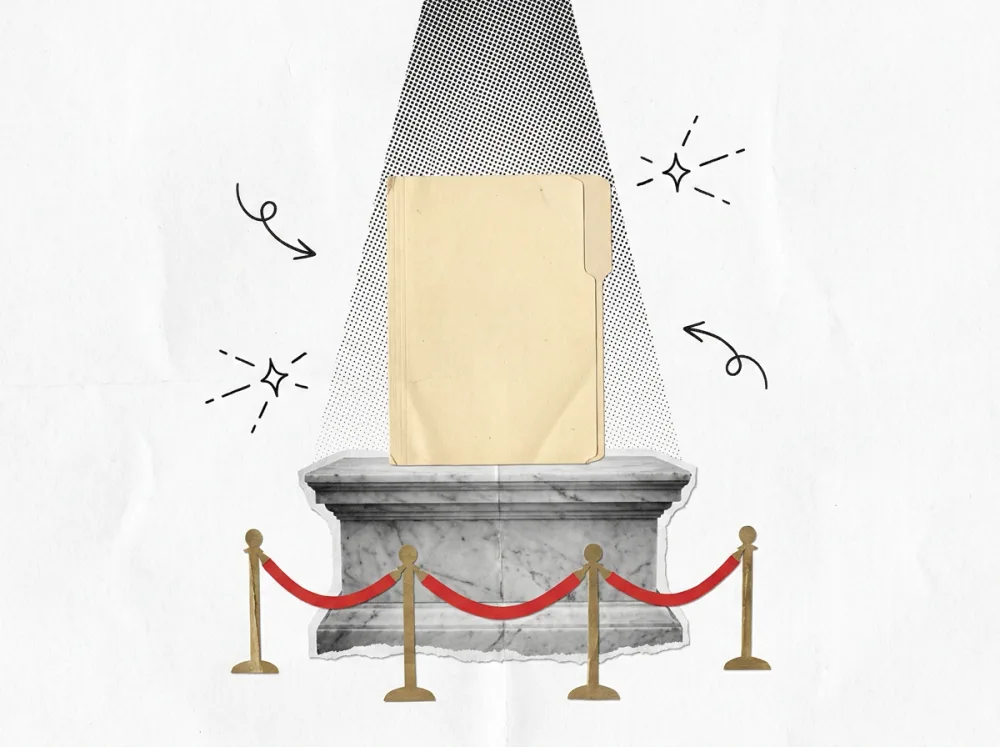
That's it. The background stopped being something I recited and became something I stored. If you want to see where that idea led for me, the full system is in my Permanent Context case study.
Here is the idea at the level that matters:
- Your context lives with you, not inside a chat. Files you own outlast any tool, account or model. Think of the AI as a brilliant chef you hire for one dinner. It cooks amazing food, but it will never make your mom's recipes until you hand it the recipe book.
- One short map tells any AI where things are. It doesn't need to read everything. It needs to know where to look.
- Every fact gets one home. A decision written in three places drifts into three versions. Written once, it stays true.
- Every session ends by writing down what changed. The next session, with any AI, starts from there instead of from you.
- Work that wasn't filed didn't happen. I say this to myself constantly. It has saved me more re-explaining than any prompt ever did.
None of this needs special software. It does need a little discipline, and honestly, that's the part most of us skip.
Try the Stranger Test#
The receipt#
I'm still learning here. The folder keeps getting simpler the longer I use it, and next time I'll share what happened when two versions of the same file got me into trouble.
I put the Stranger Test and the five signs your AI is forgetting you into a one-page checklist below. And if you'd rather have it built for your business, let's connect.