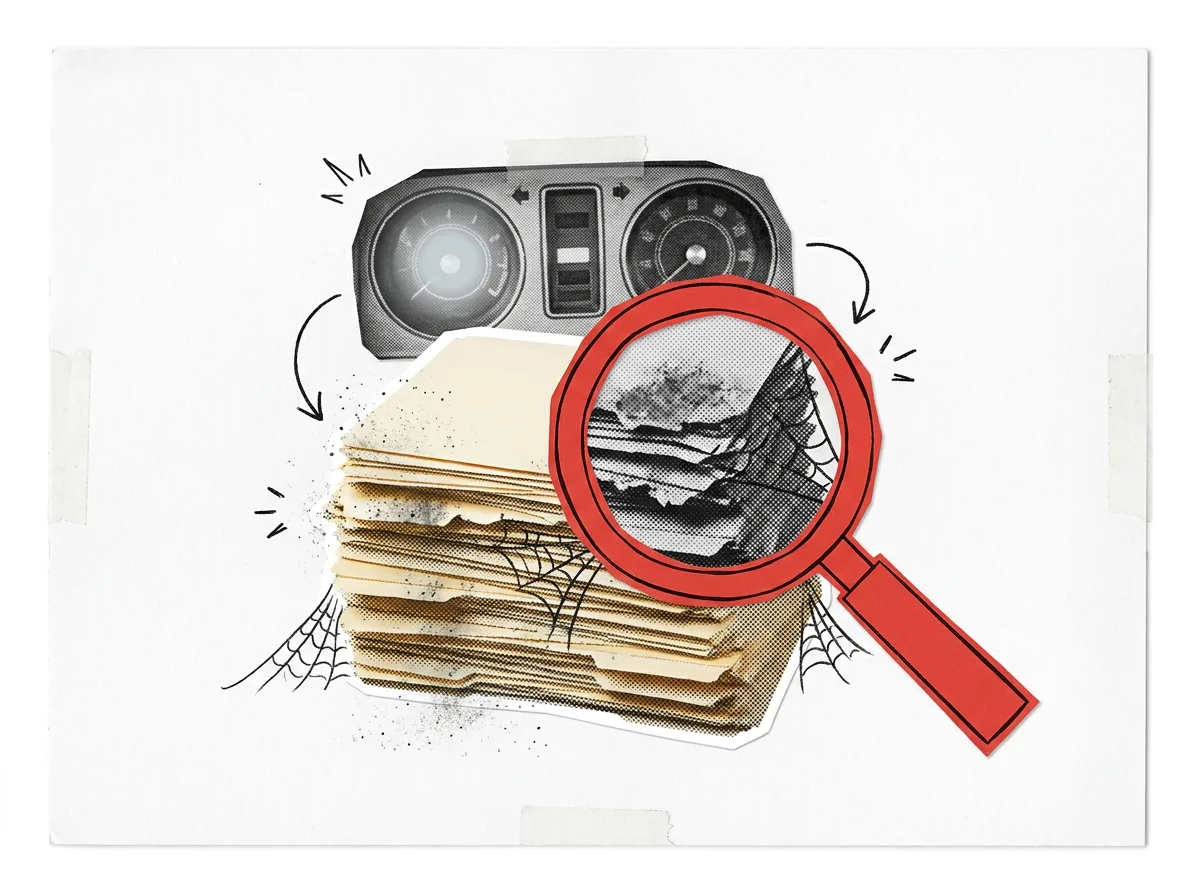
I'll admit something a little embarrassing. I built a tool for my system to catch updates and make sure the copies of my files weren't falling behind. On the surface, everything was working great. Underneath, some files were growing digital cobwebs.
The worst part? My own unclear directions meant the check never said a word. I kept getting good grades the whole time.
The problem: not defining what "up to date" actually meant#
My agents work across a large collection of projects, and each project keeps a short status note: where things stand, what's next, and the date someone last reviewed it. Once in a while, a health check reads every note and flags anything that hasn't been reviewed in too long.
I asked it to tell me what was falling behind. I never told it what "up to date" meant. So it picked a meaning for me.
For weeks, it showed nearly everything as up to date. Green across the board. I felt good about it.
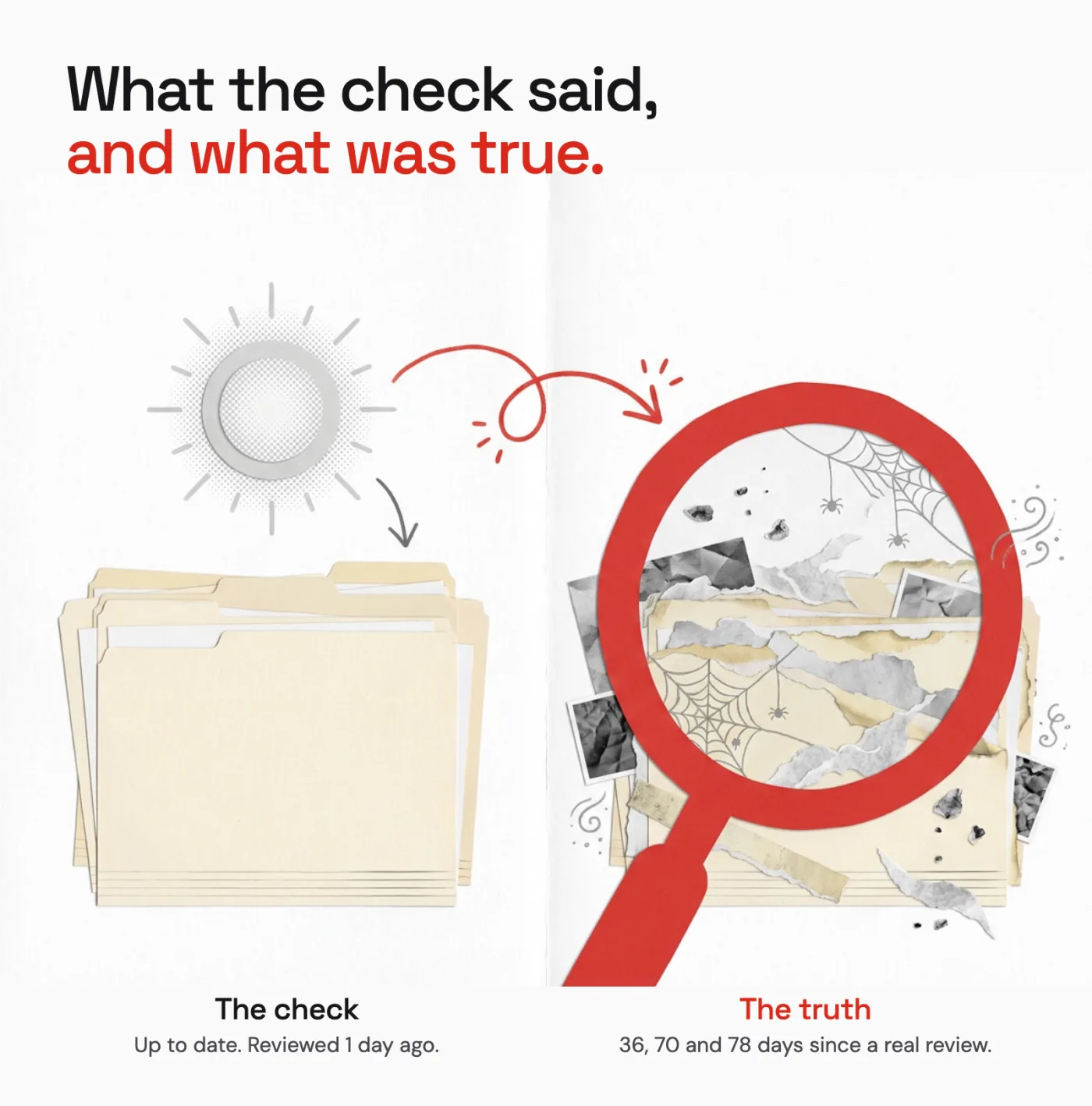
Then a second agent, asked to look over the whole setup with a clean slate, noticed something odd. One project showed as reviewed 1 day ago. Its own note said the last real review was 36 days ago.
Both numbers sat right next to each other on the same line.
What went wrong#
The check printed "last reviewed", but it was measuring something else. It counted from the last time the file was touched.
And files get touched all the time. A sync, a copy, a small unrelated edit... each one quietly reset the clock. So a note nobody had looked at in months could look like it was reviewed yesterday.
The tool did exactly what it understood. I just never told it the difference between a file being changed and a file being reviewed.
Once we fixed it, three projects came up that had been invisible: 36, 70 and 78 days since anyone really reviewed them. All three had been showing as up to date.
No error. No warning. Just a calm, confident, wrong answer.
Why a quiet monitor is worse than none#
Without a check, I know I have to look myself. With a check that's wrong, I stop looking. It's not just missing the problem... it's actively telling me there isn't one.
Around the same time, a daily report from one of my agents reached nobody for two days, because a setting upstream had been switched off. Same pattern. Nothing broke loudly. The silence looked exactly like "all good."
The fix: definitions, samples and proof#
The code change was small. The check now counts from the review date written in each note, not from when the file was last touched. The real fix was everything I should have handed it on day one.
1. Write the definition down. One sentence per term. "Up to date" means a person or agent reviewed the note within the last 14 days, and the review date written in the note is the one that counts. A file change is not a review.
2. Point at one source of truth. Tell the check exactly where the date lives. If there are two possible dates, name the winner, and have it flag any item where they disagree by more than a few days. That gap is where my 36 days were hiding.
3. Treat missing as unknown, not fine. A note with no review date, or a date it can't read, gets flagged. Silence about an item should never count as a pass.
4. Give it samples to go off of. Keep a few small test files with known answers: one recently reviewed, one long overdue, one that was edited yesterday but not reviewed in months, and one with no date at all. Every run checks those first. If any sample comes out wrong, the whole report is marked untrustworthy.
5. Make it show its work. For every item, the report says which date it used, where it found it, and how many days old it is. "Green" alone proves nothing. "Reviewed 36 days ago, from the date in the note" can be checked in seconds.
6. Watch the watcher. Every report carries the time it ran. If a report doesn't show up when expected, that is the alert. A missing report is not a quiet day.
7. Let someone else test it. The one who built a check is the worst judge of it. Have a second person, or a second agent, try to fool it now and then.
The quick checklist#
Before you trust any check, alert or report, ask:
- Has it ever said "no"?
- Can you plant a problem and watch it catch it?
- Does it measure exactly what its label says?
- Would you notice if it went silent?
- Has someone other than its builder tested it?
If the answer to any of these is no, treat its "all good" as "unknown" until it's fixed.
Hey, I'm still learning here. I wish I could tell you I have it all figured out, but this lesson was a valuable one. Keeping what I monitor healthy was never about building extra checks. It was about giving my systems proper definitions, clear expectations, samples to go off of, and a way to prove their answers are actually right.
To help you skip my mistake, I turned all of that into a brief you can hand straight to your AI agent before it builds a checker of its own. It's below. And if you want the backstory on why a second agent checks my work in the first place, read The Builder Never Grades Its Own Work.