Seventy-eight images, four models, five dollars and sixty-four cents. That is what it cost me to arrive, through evidence, at the model and the style I will use for the art on everything I publish next.
Keep in mind where this started. I needed a house illustration style for my Permanent Context case study, and for whatever comes after it. I am also still developing my brand voice and identity, so I did not want to commit to one artist, one tool or one look before I had seen real options side by side. Many of us might pick a style from a handful of references, commit hoping for the best, and only find out our choice doesn't fit after we've paid for the finished work directly or with our time. I wanted to see the options first, on my own content.
If you're building a site, pitching directions to a client, or deciding which AI image model to rely on, this is for you. It's a diary entry more than a tutorial, and there's a free kit at the end.
Where it started going wrong
I started by asking my agent to draw the concepts itself, as hand-coded SVG: five takes on one idea, "the folder is the system." They were clean and competent, and still below my bar.
So we tried generative art, six directions. Interesting to look at, and also below the bar.
Here is a moment where saving my context to local files pays off. Every attempt, prompt and result was written down as we went, so when the results kept falling short I could look at the whole trail instead of the last try, and ask a better question: "Could it be due to you not being an image generation model?"
The honest answer was yes. A language model drawing with code can make tidy geometric parts, but not the confident, gestural line of real illustration. I had been asking a very good art director to also be the illustrator, and that was never its job.
Splitting the work
Once I saw it that way, the fix was simple. Image models make the pictures. The agent art directs: it writes the prompts and scores what comes back against my brief.
I set up one account that let the agent call several image models from a single place, and it built a small tool that logs every prompt, every model and the cost of every image. That log became the receipt for the whole experiment.
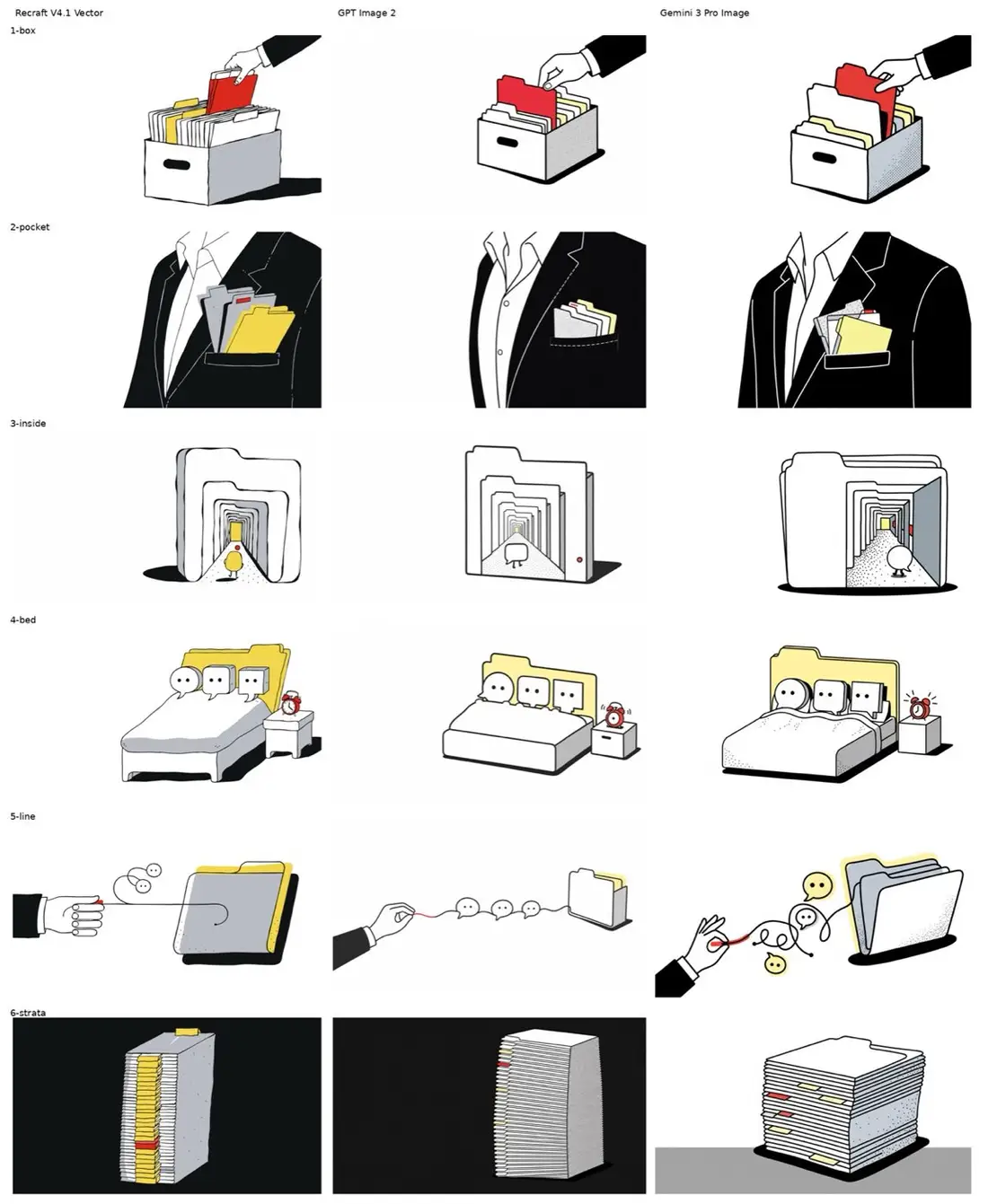
Round one was a warm-up: six concepts on three models, Recraft V4.1 Vector, GPT Image 2 and Gemini 3 Pro Image. That was 18 images, enough to learn how each model behaves.
Round two: the real test
For round two I defined five styles myself: minimalist robot arms, a clean concierge-hand style with a strict color code, playful cut-paper collage, a magazine cartoon style, and academic history painting.
Each style was applied to the three graphics that tell the case study's core story, on four models: Gemini 3 Pro, GPT Image 2, Grok Imagine Quality and Recraft V4.1 Vector. That made 60 more images, with one contact sheet per style so I could judge them side by side.
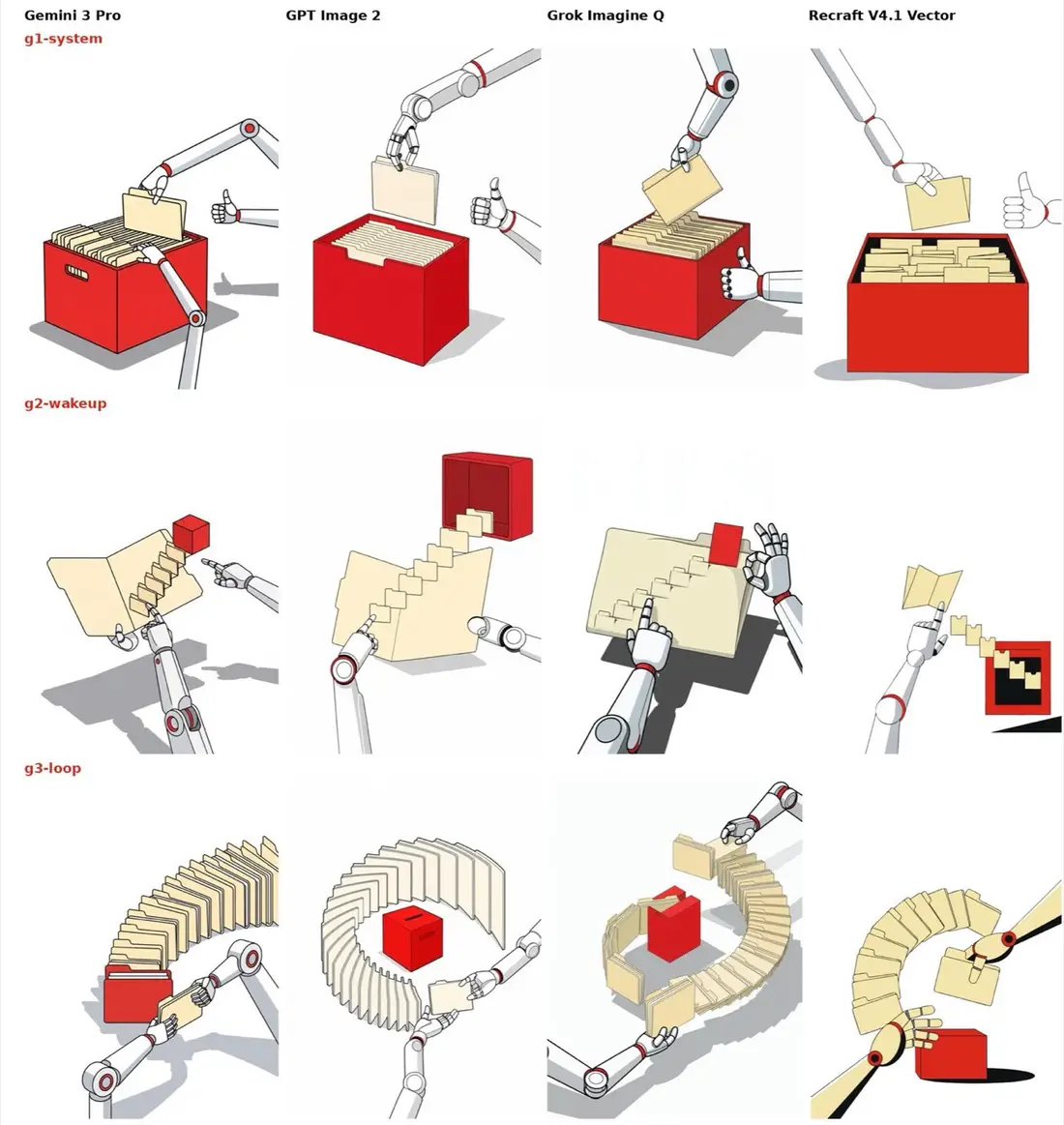
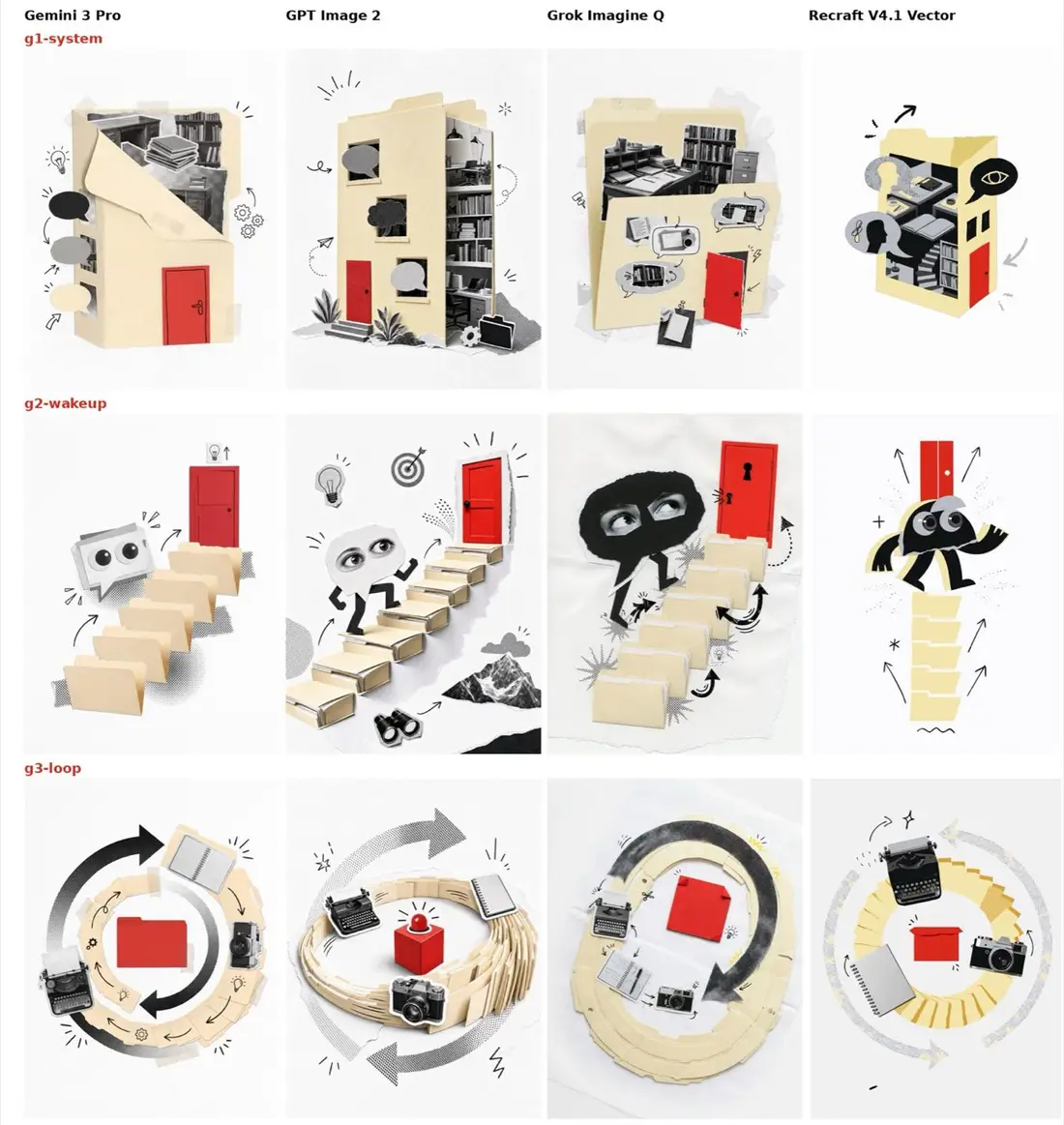
Along the way each model showed its habits. Recraft copied a reference image and ignored the prompt, so it works best without one. Grok added text labels and cream backgrounds despite the prompt, and once drew my main character twice. Gemini slipped once on each. Small stuff, and each one made the next run cleaner.
The win: an evidence-based choice
By the end I could choose by eye, from 78 images, with a clear picture of each model for this kind of work (as of October 2026, and these will change):
- Gemini 3 Pro: best craftsmanship and color fidelity.
- GPT Image 2: the most consistent, with the best visual ideas and no rule breaks that I saw.
- Grok Imagine Quality: about half of Gemini's price per image, strong in several styles, weaker at following negative rules.
- Recraft V4.1 Vector: the only one that produces real SVG, so it's best kept for a final vector pass.
The finding that mattered most was that the collage and academic painting styles came out strong on all four models. A style that works everywhere doesn't depend on any one model staying good, cheap or available, so it's a safe place to start.
That left a judgment call, and here is how I made it. GPT Image 2 was the steadiest. Gemini 3 Pro had the best craft and color in the style I liked most. Because I'm still shaping my brand voice, I'd rather work with the model that gives the richest results, and accept that I'll fix the occasional stray detail. So the choice is Gemini 3 Pro with collage.
I'm treating it as an experiment. I'll use it for a while, see how it holds up on real posts, and adjust as my voice and identity take shape. It's a choice made with my eyes open, not a final answer.
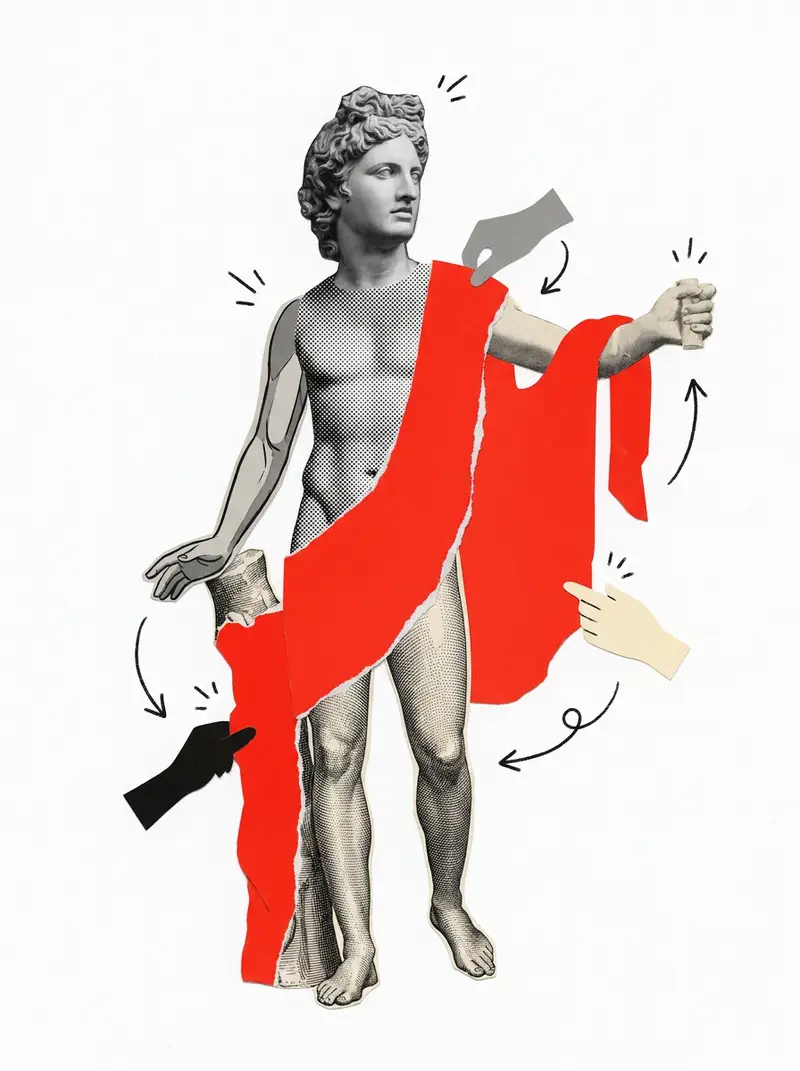
The image at the top of this post is the first use of it: a classical-style statue assembled as a collage from body parts drawn from four different sources, following the style instructions that came out of this process.
What you can try
The receipt
I'm still learning here, and I expect to change my mind as I use the style more. If you try the test yourself, I'd like to hear what you chose.
Run your own bake-off
I turned the method into a one-page kit: the checklist, the weighted scoring sheet, and the model habits above.